File reception
We agree on the transfer channel and identify the files required for the working arch, opposing arch and bite.
Digital workflow for dental practices
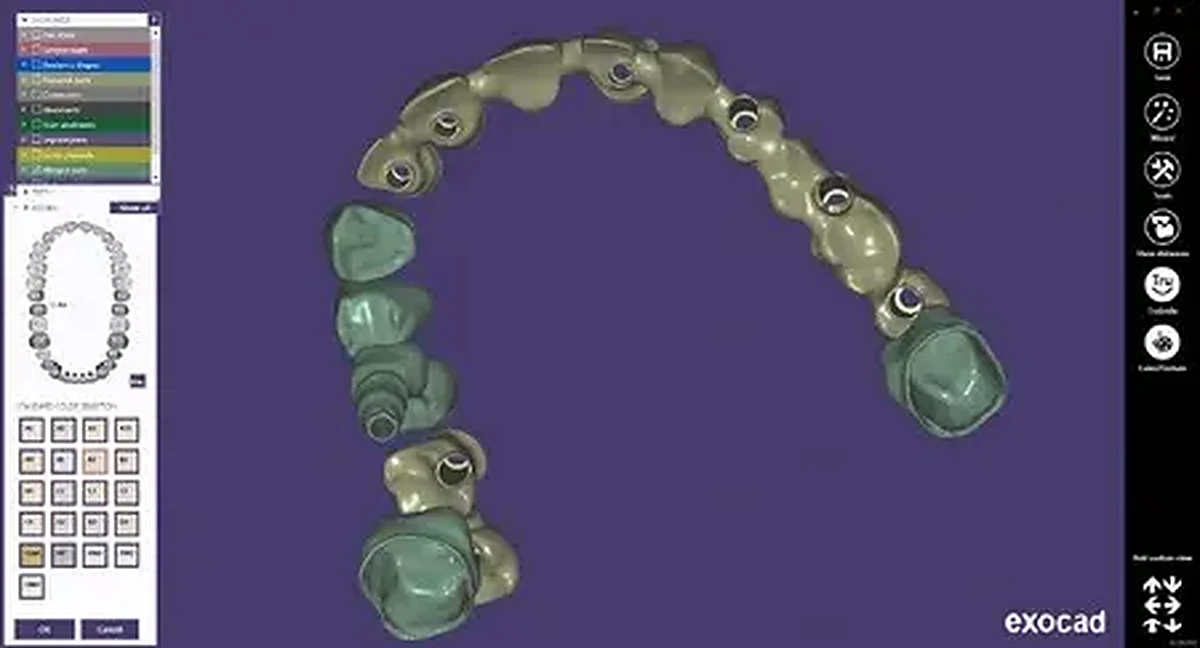
Laborator Dentar CDL receives digital cases from dentists and clinics, verifies the technical information and integrates CAD/CAM design into the production of tooth- and implant-supported restorations.
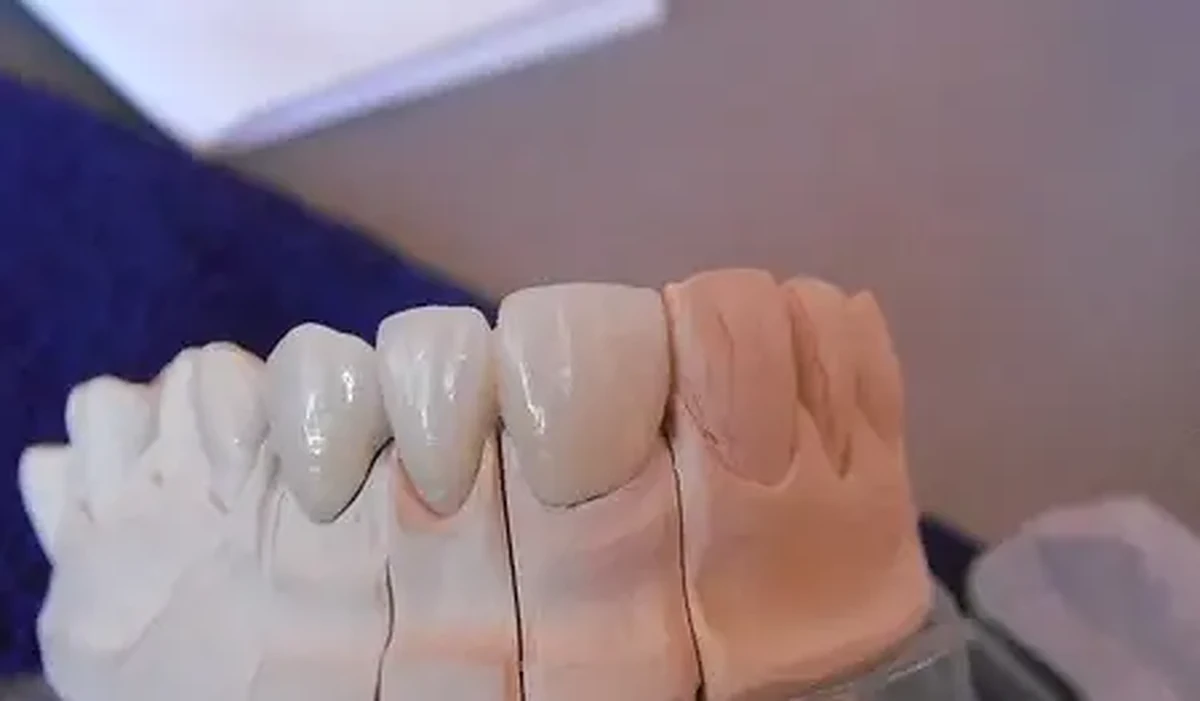
How it works
We agree on the transfer channel and identify the files required for the working arch, opposing arch and bite.
We check orientation, scanned areas and the available information before beginning the design.
The design and production stages are adapted to the material, indication and case components.
Digital checklist
Hybrid workflow
The laboratory can combine digital data with conventional stages according to the practice’s equipment and the specific features of the case.
Files sent directly, without transporting a physical impression.
Conventional models and records for practices using a traditional workflow.
Integration of design and models into the production stages.
Verification of the platform, scan body and components before production.
Frequently asked questions
STL files are commonly used. The transfer channel and complete file set are confirmed for each case.
Most cases also require the opposing arch and bite. Incomplete data may prevent accurate design.
We can assess exportable files that are compatible with our workflow. Compatibility is confirmed before the first case.
Contact the laboratory to confirm the transfer channel and correct case naming.
First digital case